It's a map of your time.
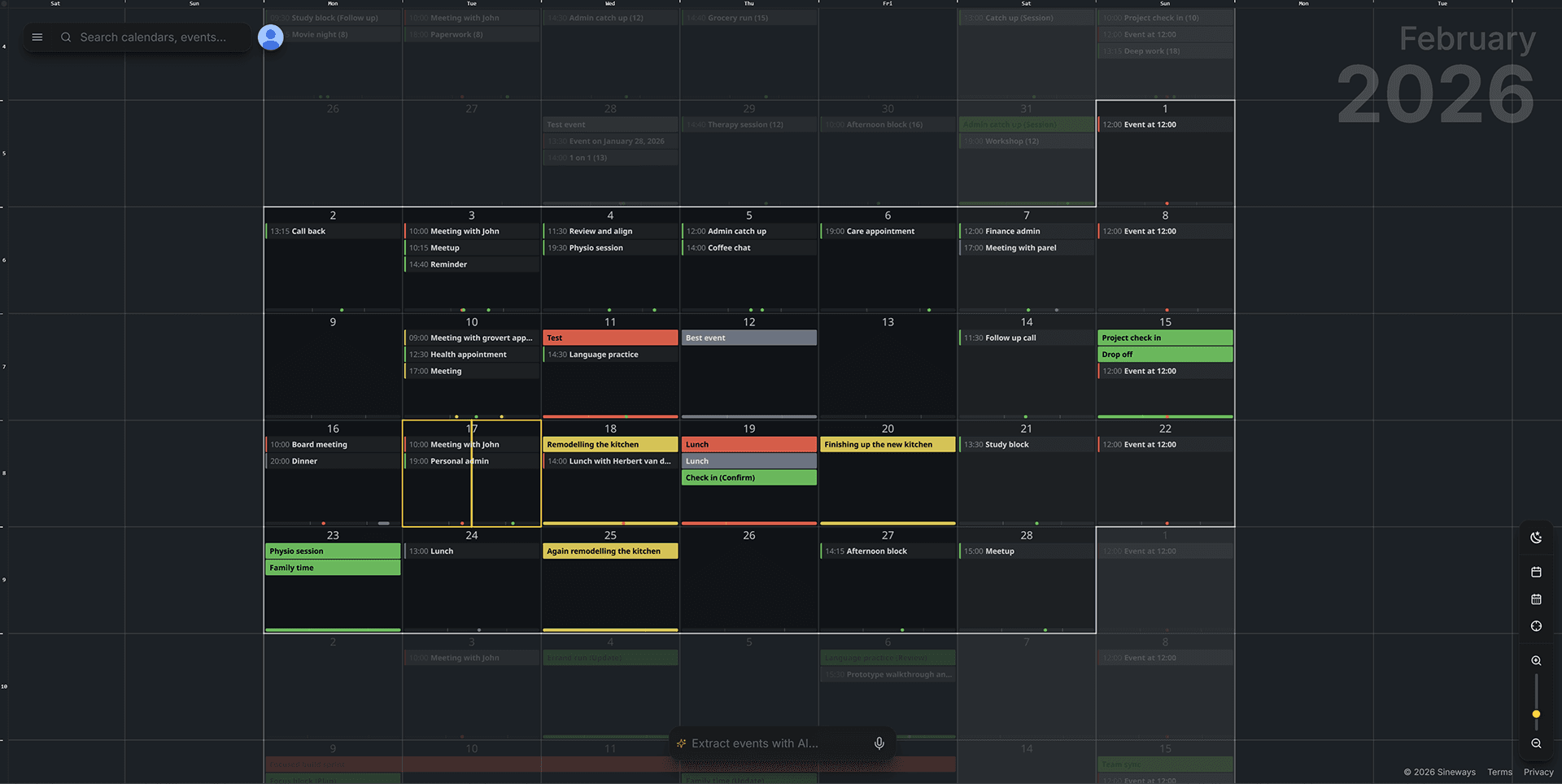
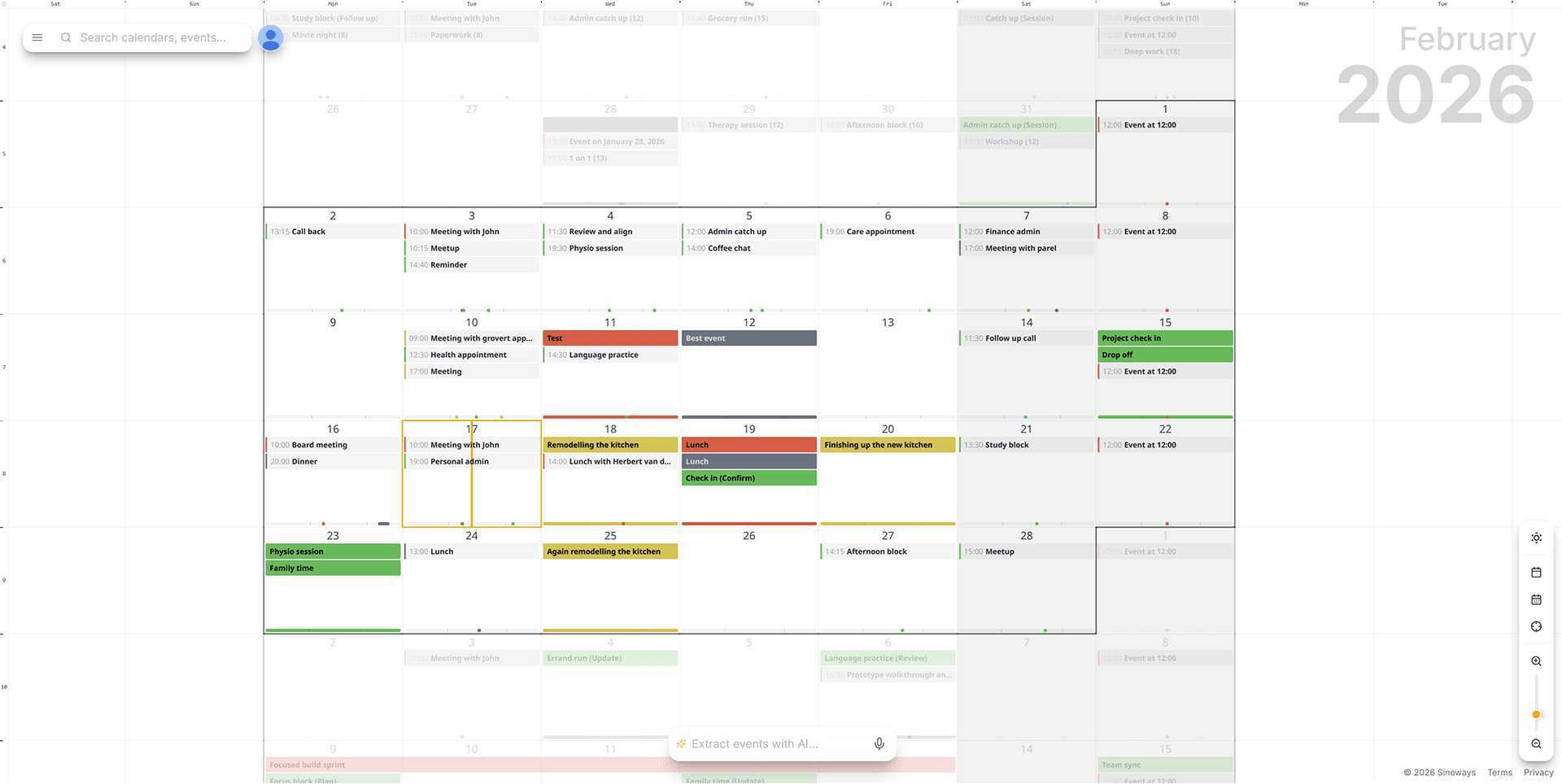
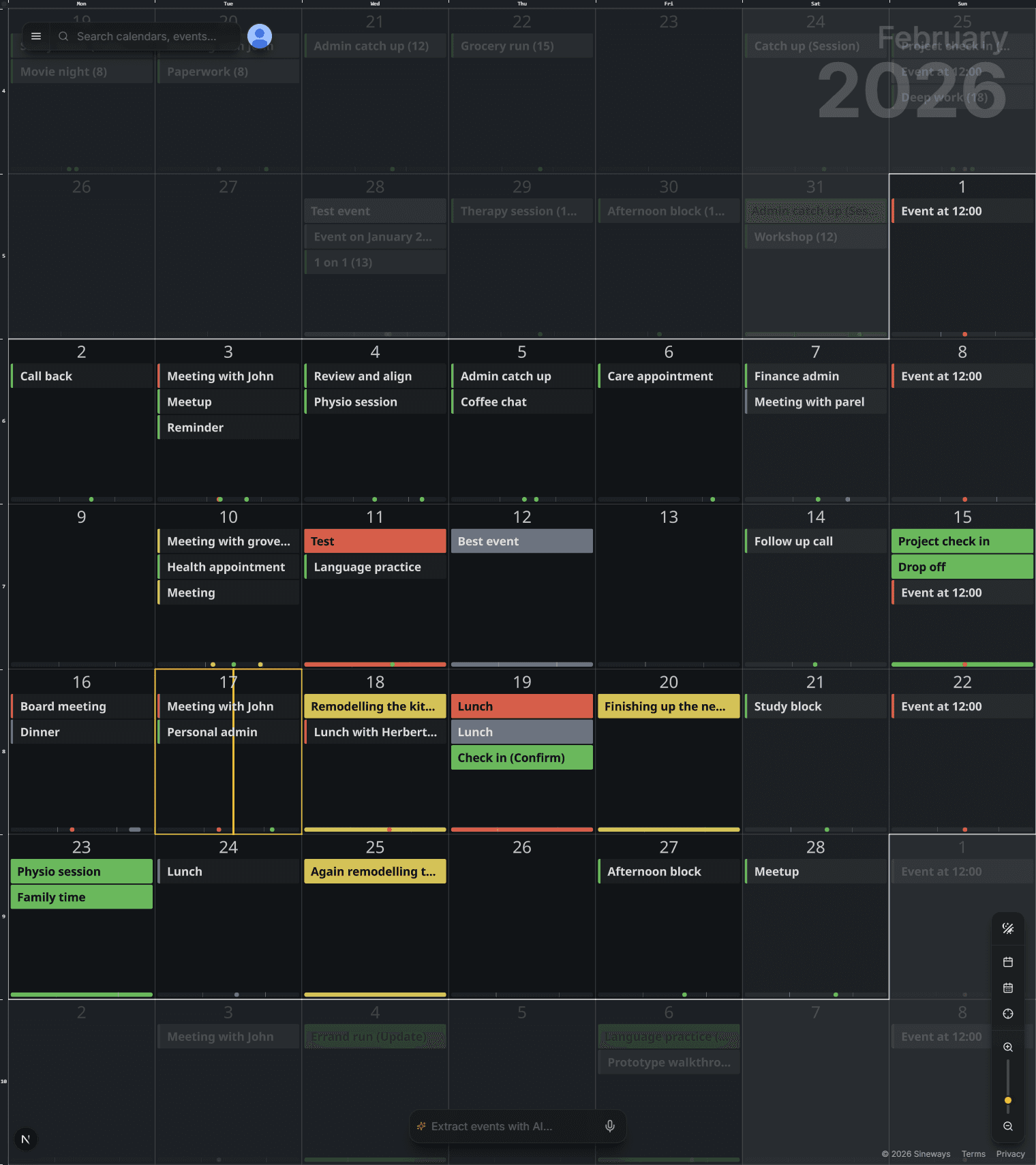
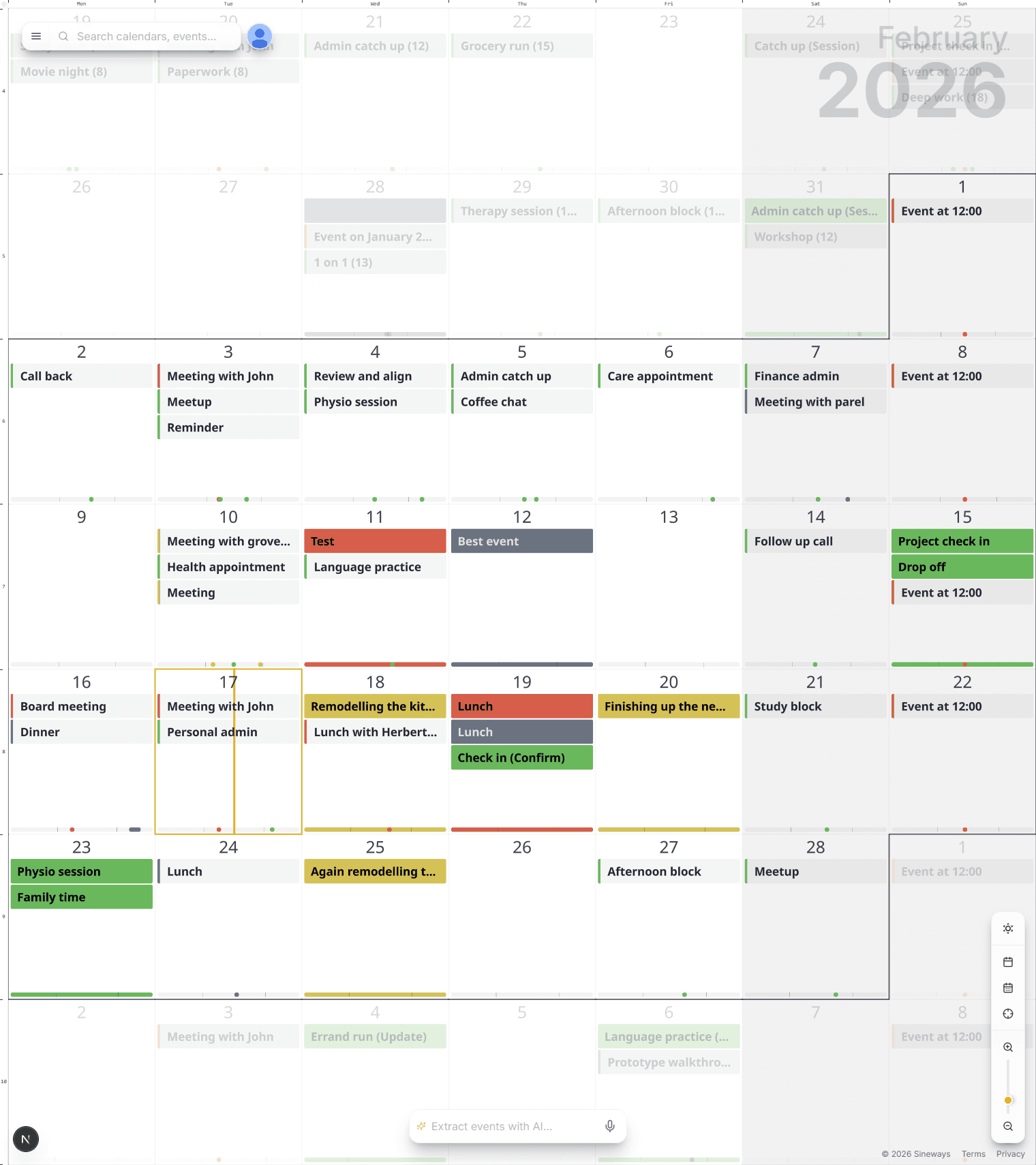
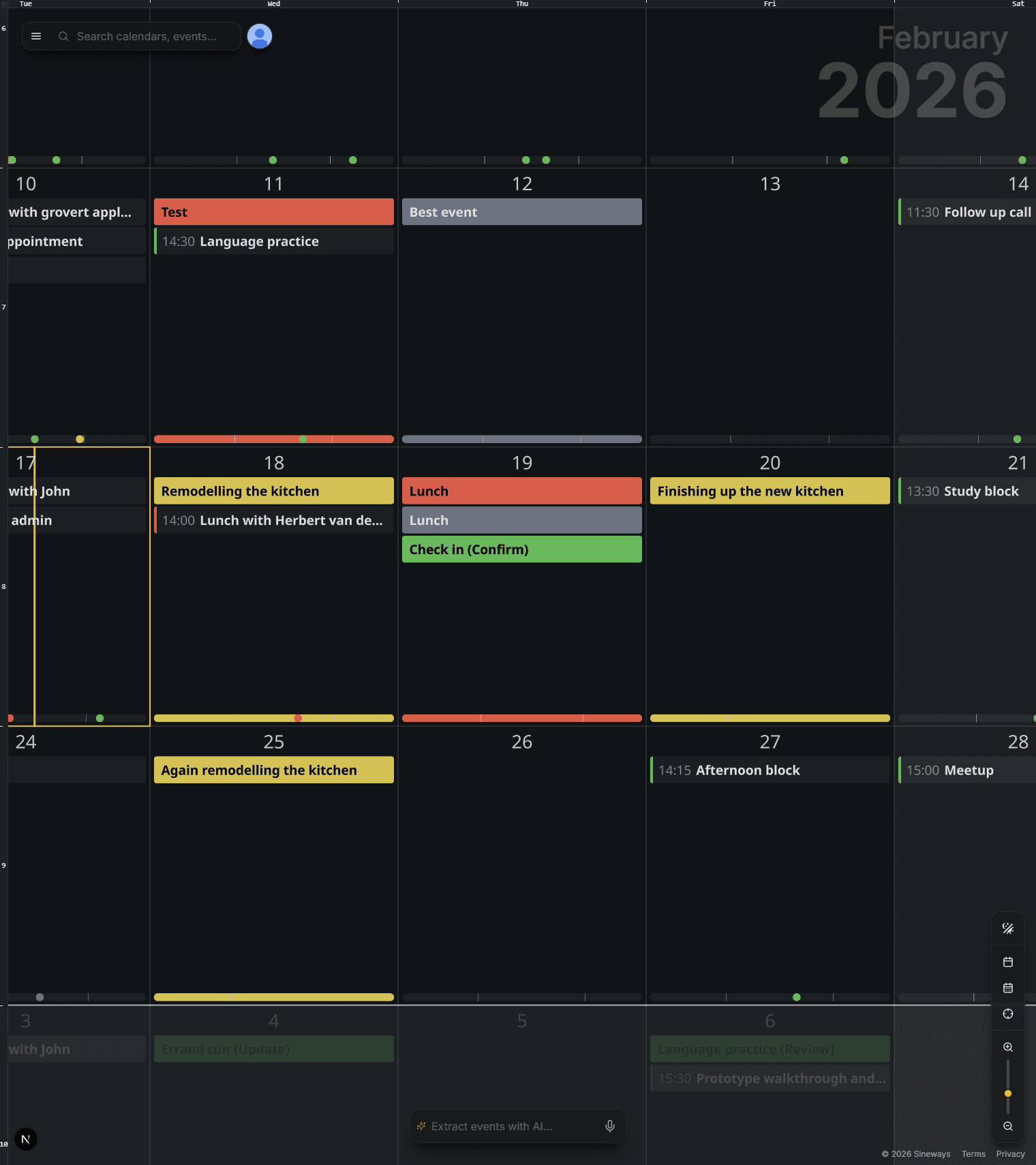
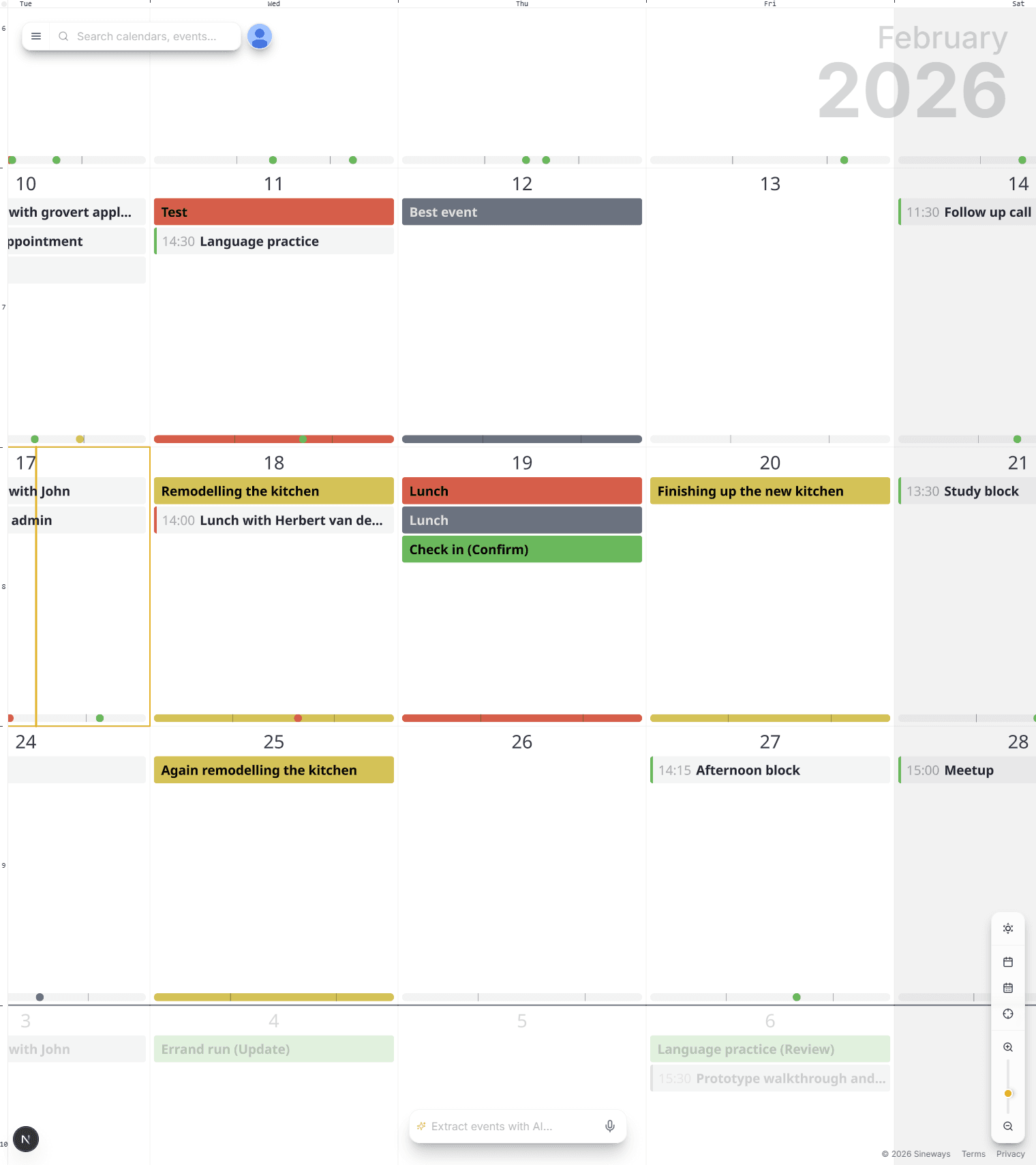
AnyMoment turns your schedule into a map canvas you can zoom and pan—from a lifetime view down to the next meeting—so you finally see your time the way you think it.
- Navigate time with map-style controls: pan, zoom, jump anywhere.
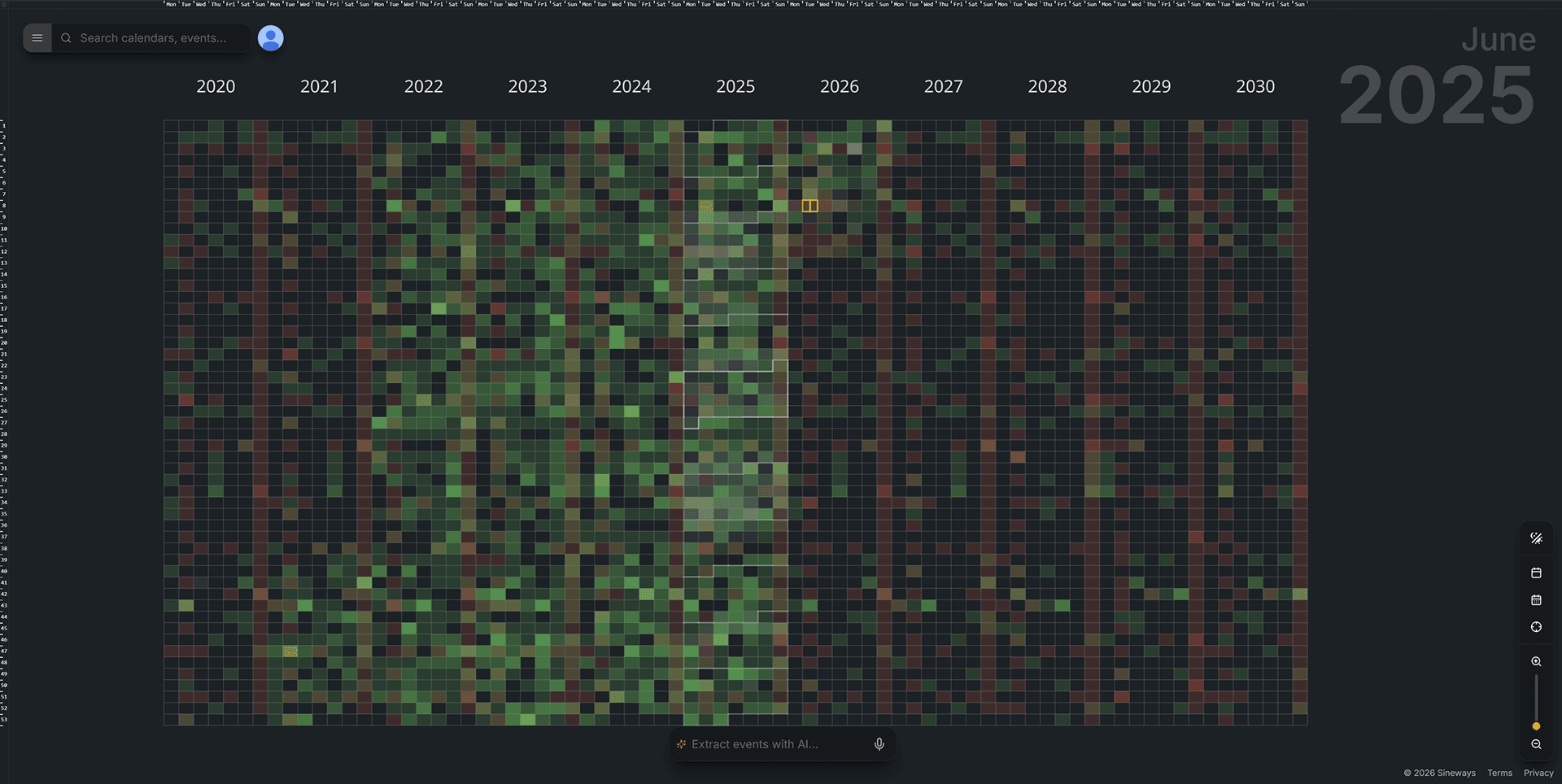
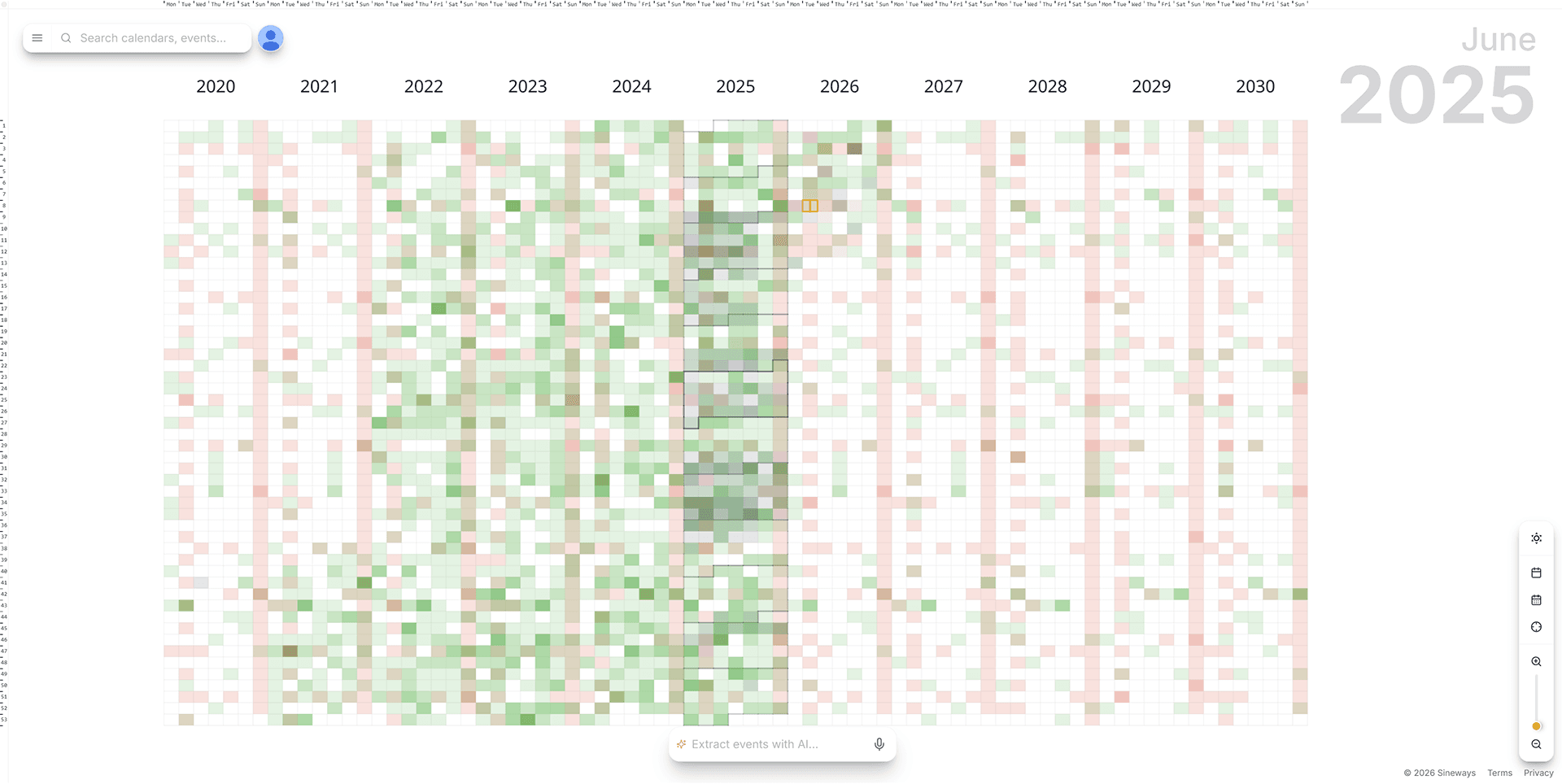
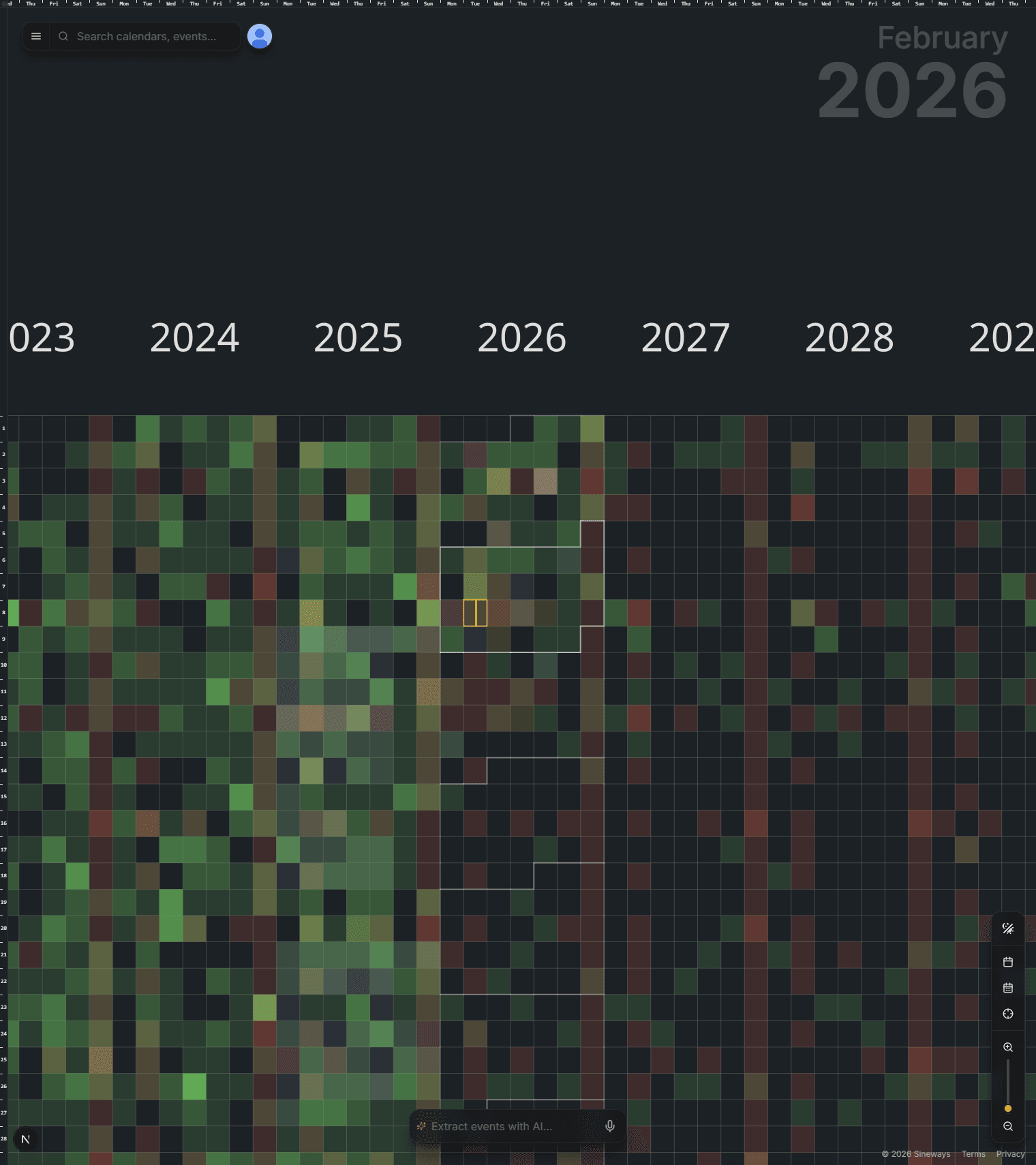
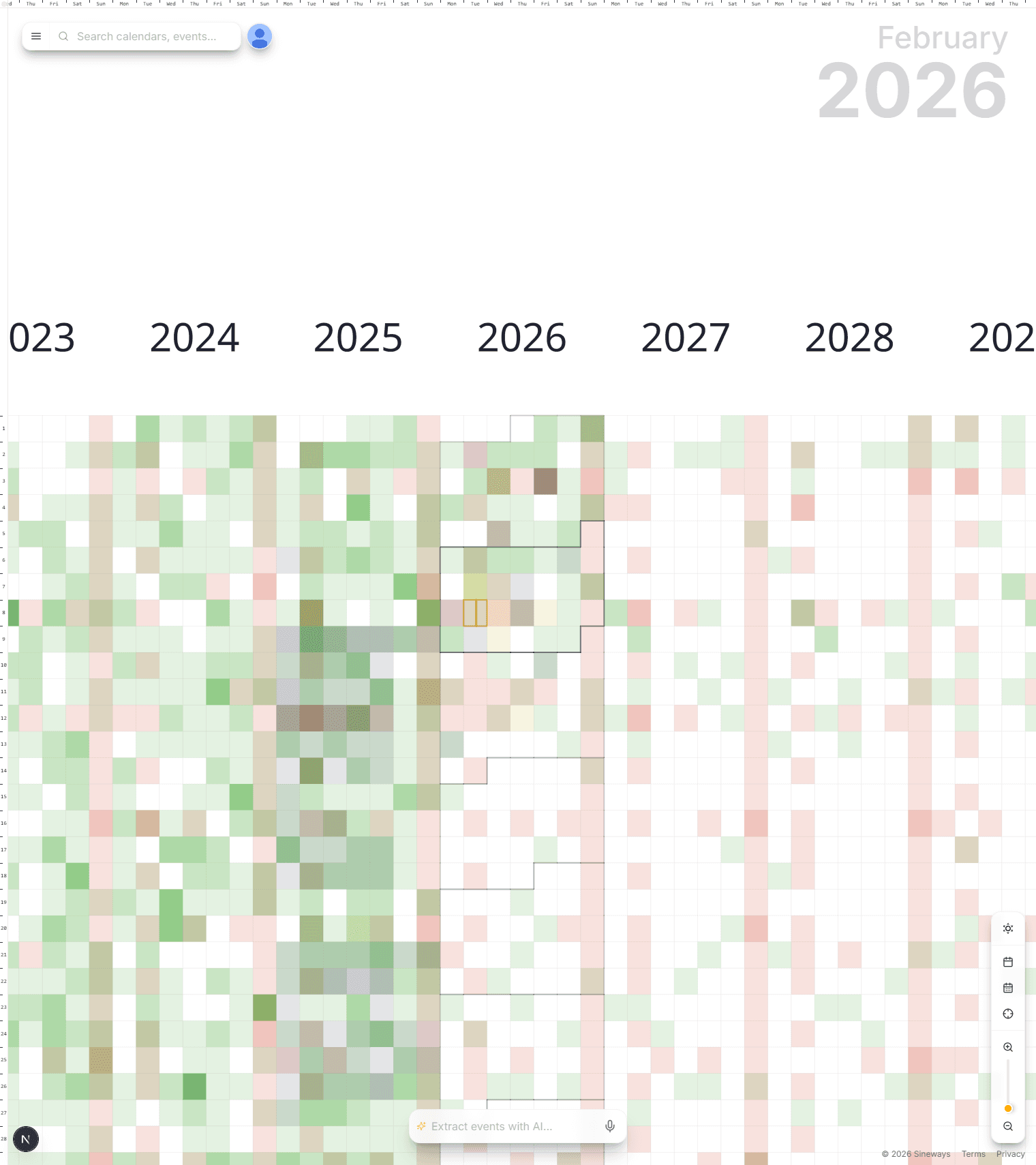
- Life overview at a glance: zoom out to a heatmap of years.
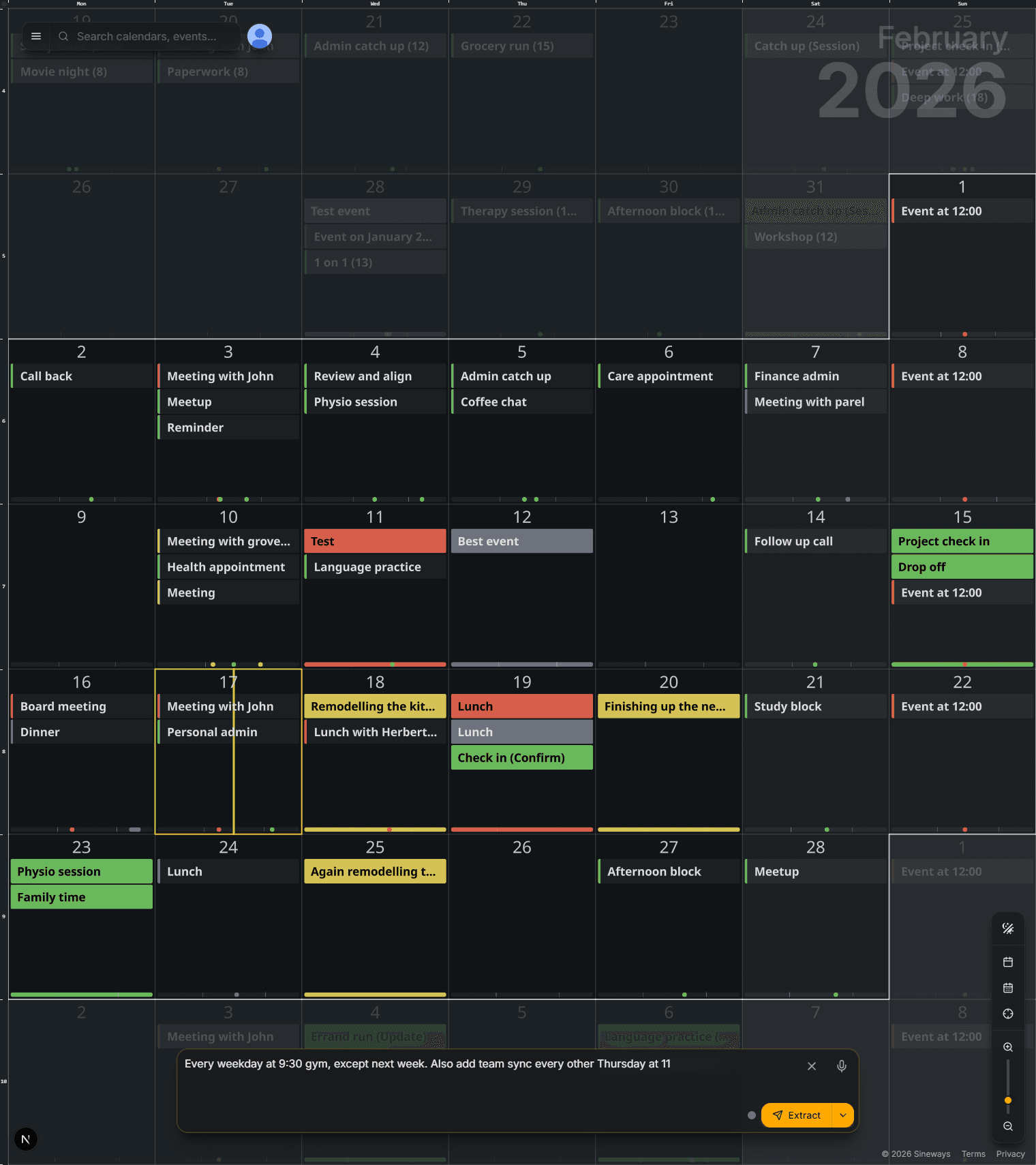
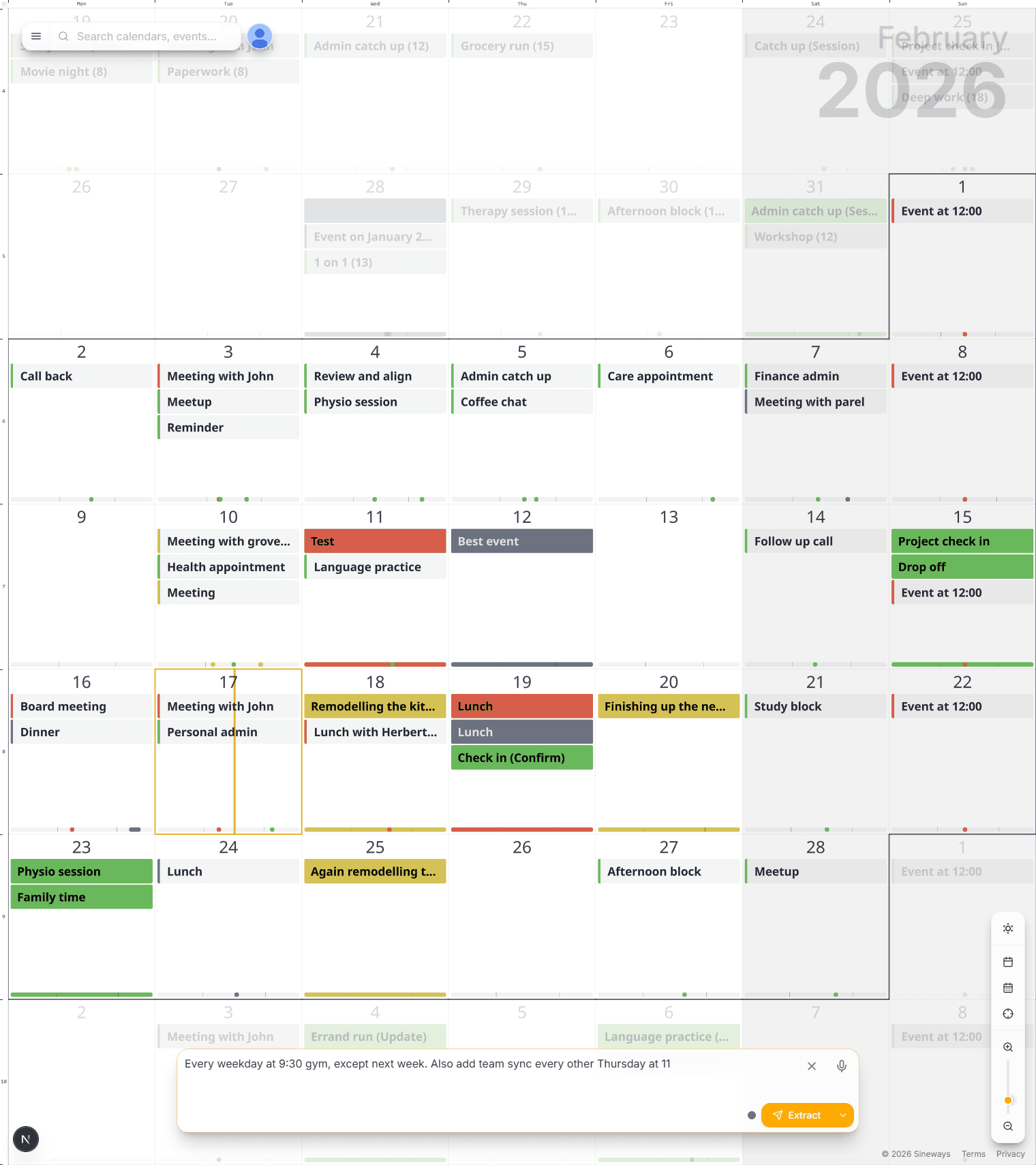
- Create events from plain text: paste a WhatsApp, email, or thought.
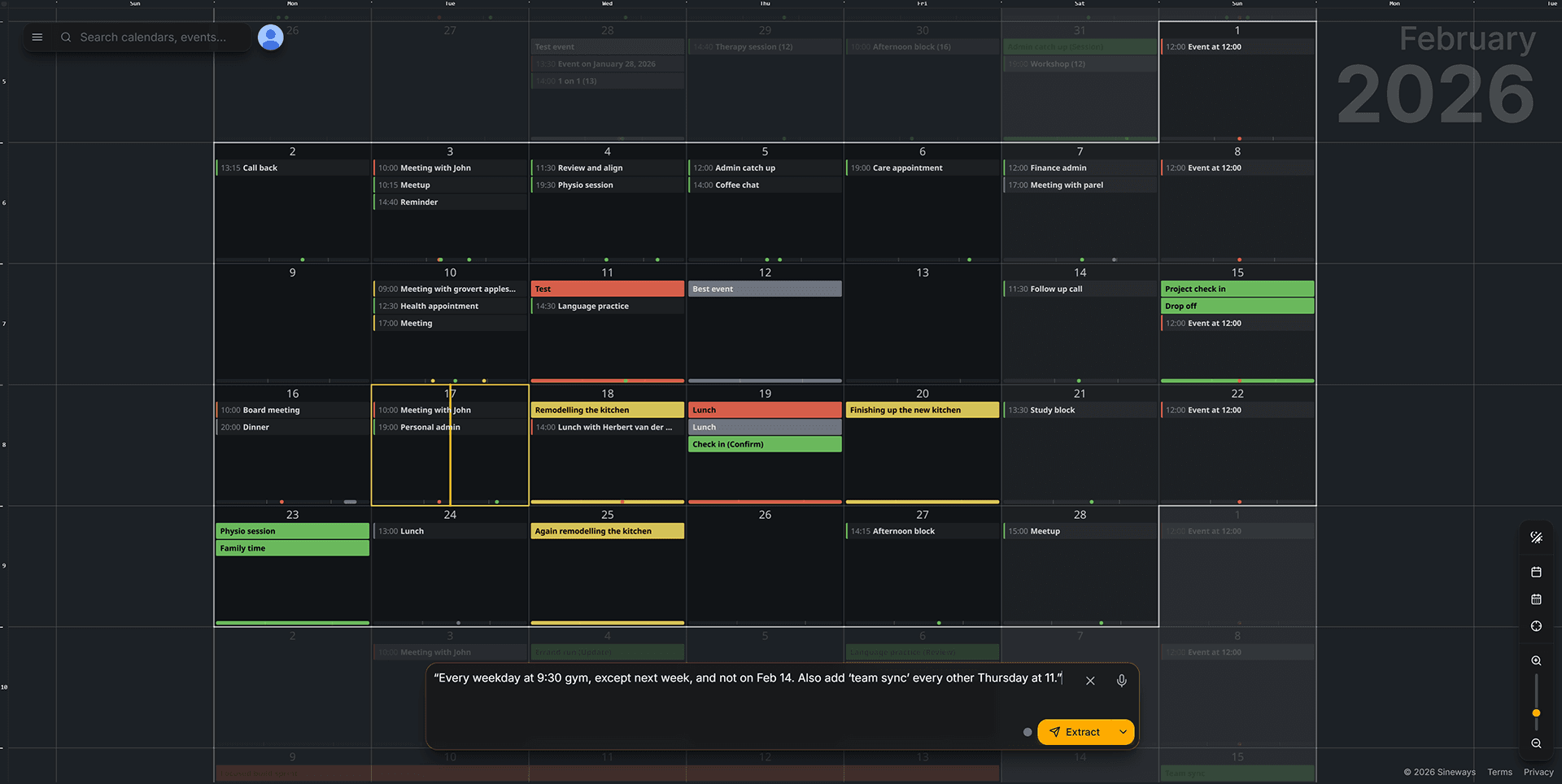
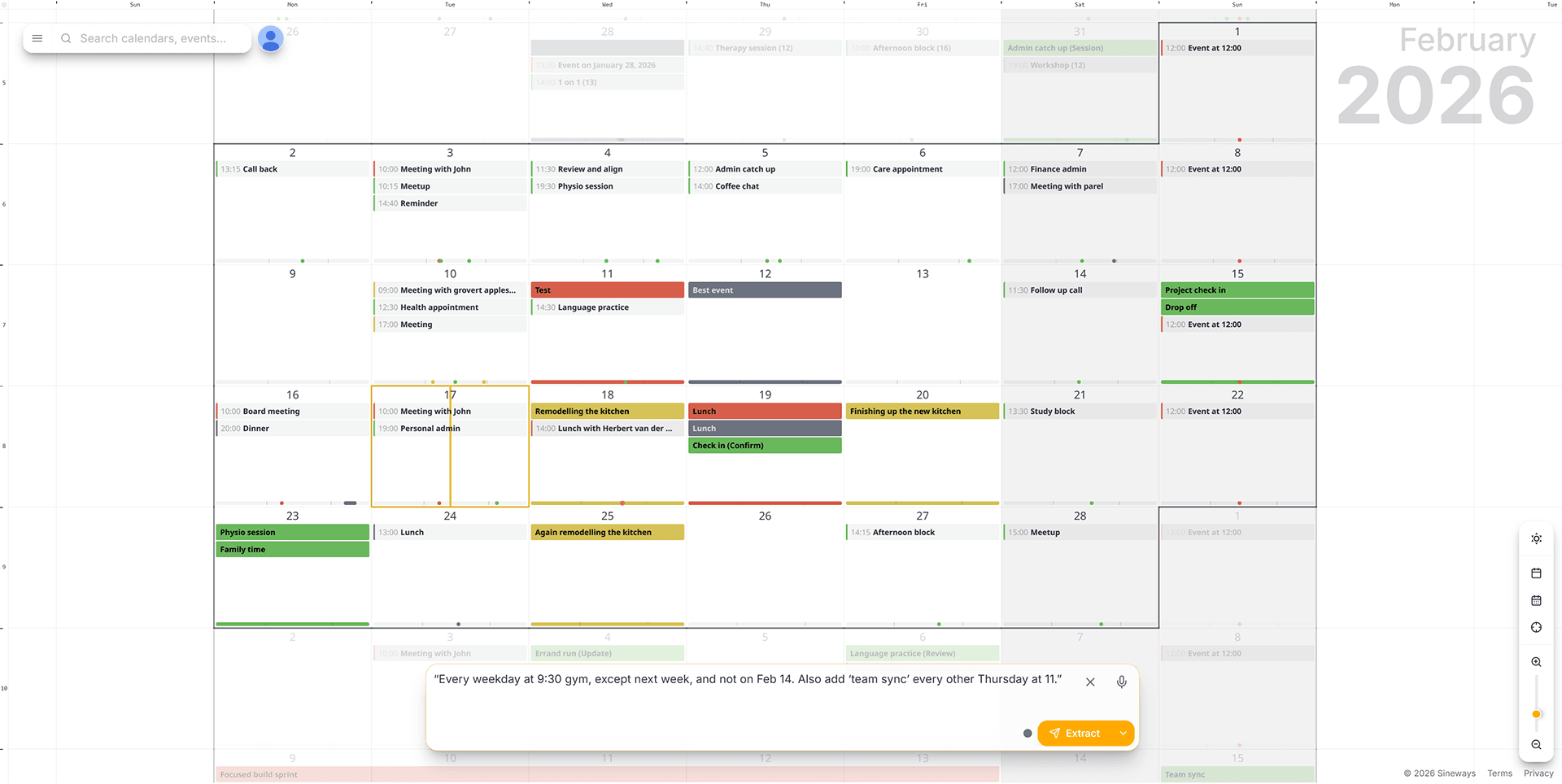
- Most advanced recurrence system, without cumbersome interfaces. Just say it the way you think it.
- Extract events from voice: hold to record, same AI turns speech into events.
- Two-way Google Calendar sync: invites, history, and edits stay aligned.
Connects with Google Calendar so you keep everything you already rely on.
Calendars weren't designed for how humans remember time.
Traditional calendars are tables: grids, lists, dialogs, and tiny boxes. But in your head, time is a space. You remember it as before/after, near/far, dense/quiet, seasons, phases.
AnyMoment is built around that mental model. A calendar isn't a spreadsheet. It's a map.
Write moments the way you think them.
Stop fighting recurrence dialogs and tiny dropdowns. Type what you mean—or say it. AnyMoment extracts events from plain text or from voice; same AI, messy and human either way.
- Handles complex recurrence, exceptions, gaps, and multiple events at once.
- Works great for copy/paste planning from messages and email threads—or speak it.
All the power of Google Calendar — with a better view.
AnyMoment isn't asking you to abandon your world. It syncs both ways with Google Calendar.
- Your history is there from day one.
- Meeting invites stay where they belong.
- Updates you make in either place stay in sync.
- Keep using Google Calendar when you want—AnyMoment stays aligned.
- No migration anxiety: your schedule isn't trapped in a new silo.
Turn time into triggers.
Events shouldn't just sit there. They should do things. Feed events in from content and trigger actions with webhooks and automations.
- When Focus block starts → set Slack to DND + start timer
- When Workout ends → log it to a spreadsheet
- When Client call begins → open meeting link + prep notes
- When Trip is 24h away → send packing checklist
Python SDK & CLI — infinite possibilities for automation.
Use the AnyMoment API from the command line or from your own code. Script your calendar, plug into cron, CI, or any tool—create and manage recurring events with natural language, no UI required.
- CLI: Login, create calendars and events, list instances, export—all from the terminal.
- SDK: Full Python client for apps, scripts, and integrations.
- Automation: Cron jobs, CI pipelines, chatbots, custom dashboards—your calendar, your way.
# From the terminal
pip install anymoment[cli]
anymoment auth login
anymoment events create "Weekly standup Mon 10am"
# From your code
from anymoment import Client
client = Client()
client.create_event_from_text(recurrence_text=...
Why AnyMoment wins where other calendars can't.
The map interface
A navigation model that matches how people think: zoom, pan, perspective.
Perspective at every scale
From daily detail to multi-year clarity, with heatmap density.
Natural language — text or voice
Type or speak: messy text and speech, multiple events, exceptions, and gaps.
No tradeoff
Get the new experience without losing Google Calendar compatibility.
Start in under a minute.
Step 1
Connect Google Calendar
Step 2
Explore your time map (zoom out, zoom in, find patterns)
Step 3
Add moments by writing or speaking (or automate them)
Built for people who care about their time.
Busy founders & makers: see where your life actually goes.
Families: school, activities, shared rhythms—without chaos.
Creators & freelancers: blocks, deep work, clients, projects, seasons.
Fitness & training: plans with real-life exceptions and consistency.
Neurodivergent-friendly planning: clarity through zoomed-out structure.
Automation lovers: turn events into a control center.
Try AnyMoment free for 30 days.
- Full experience during the trial
- Cancel anytime during the trial
FAQ
Is AnyMoment a replacement for Google Calendar?
It can be, but it doesn’t have to be. AnyMoment syncs both ways, so you can keep using Google Calendar while enjoying the time map view.
Will I lose meeting invites and my history?
No. Your existing events remain in Google Calendar and appear in AnyMoment through sync.
Can it handle complex recurring schedules?
Yes—recurrence, exceptions, gaps, and multiple events from a single prompt are first-class features.
Is this for individuals or teams?
Start with your personal calendar. Use automations/webhooks to connect team tools and workflows.
What’s the fastest way to see the “time map” idea?
Connect your calendar and zoom all the way out. You’ll get an immediate “oh…” moment.
See your life in one scroll.
Zoom out for perspective. Zoom in for precision. Write or speak moments like you think them. Keep everything you already use.